Can a Freelance WordPress Developer use page builders?
A Freelance WordPress Developer can absolutely use page builders to create, customize, and manage websites. Page builders have changed how WordPress websites are designed, making it possible to build professional layouts without writing every part of the page from scratch. For freelancers, they can save time while still allowing room for creativity and customization.
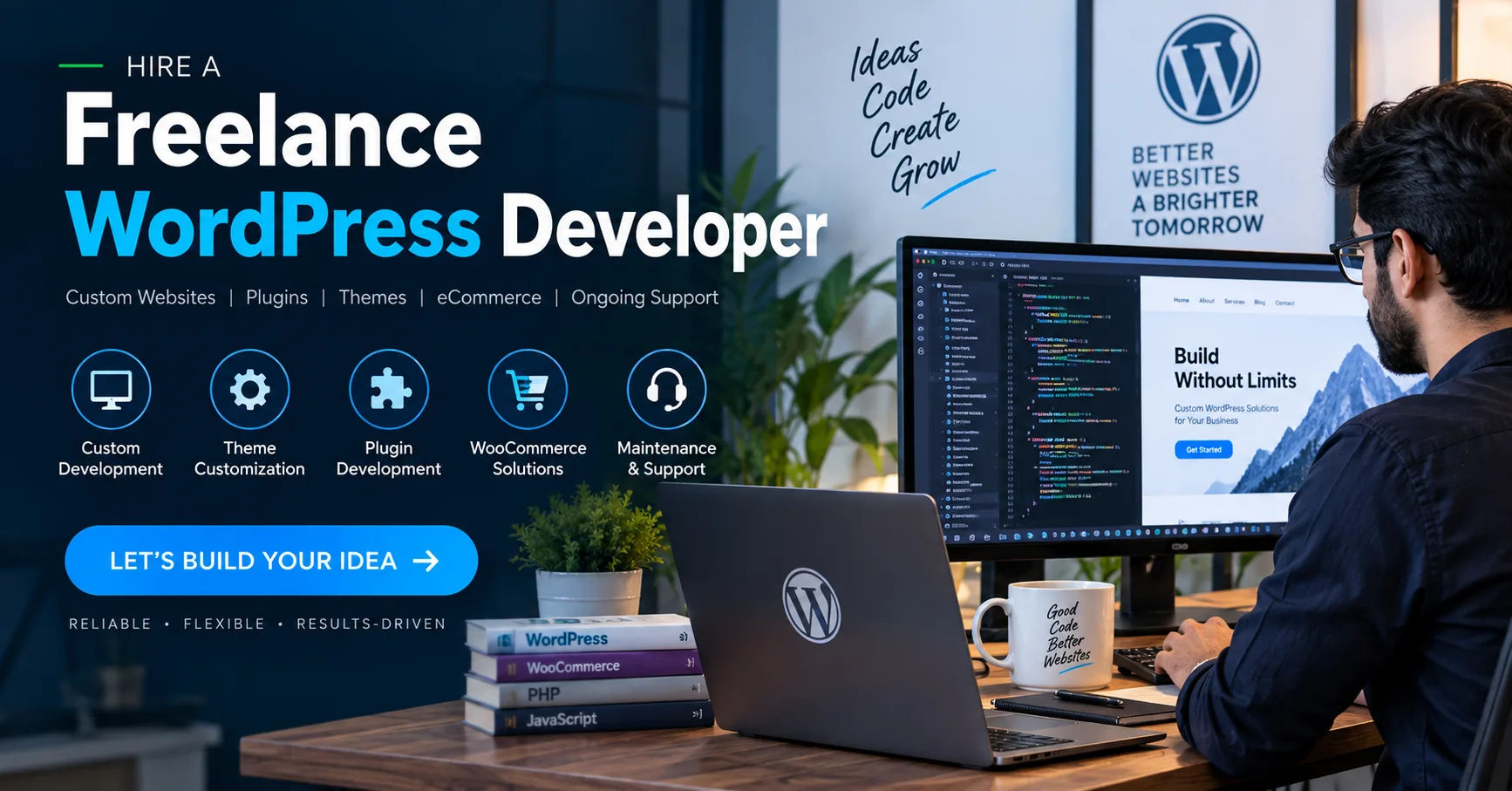
However, using a page builder does not mean a developer needs fewer technical skills. A good developer still needs to understand WordPress, responsive design, performance, SEO, accessibility, security, and basic coding principles. The real advantage comes from knowing when a page builder is useful and when a custom solution is better.
What Is a WordPress Page Builder?
A WordPress page builder is a tool that allows users to create website layouts through a visual interface. Instead of manually writing HTML and CSS for every section, developers can use elements such as headings, images, buttons, columns, forms, and galleries.
Most page builders use a drag-and-drop approach. A developer can select an element, place it on a page, and adjust its settings.
Popular WordPress page builders include Elementor, Beaver Builder, Divi Builder, Bricks, and similar tools. WordPress also has its own block editor, Gutenberg, which provides another way to build page layouts.
How Page Builders Work
Page builders generally provide pre-designed components that can be customized. For example, a developer might add a hero section and change its background image, typography, spacing, and colors.
More advanced builders also provide reusable templates and global settings. This makes it possible to maintain a consistent design throughout an entire website.
Some builders also provide features for headers, footers, archive pages, popups, forms, and other website components.
Why Would a Freelance WordPress Developer Use a Page Builder?
Freelancers often work under deadlines and need to manage multiple projects. Building every page entirely from custom code can take considerable time.
A page builder can speed up common design tasks without eliminating professional development work.
For example, a developer working on a small business website may need several pages with similar structures. Instead of manually coding each layout, the developer can create a reusable structure and customize it for each page.
This can make the development process more efficient.
Faster Website Development
One of the biggest advantages of page builders is speed.
A developer can create a basic page structure quickly and then focus on customization. Sections can be moved, duplicated, and edited without repeatedly creating the same code.
This is particularly useful for projects with limited budgets or short deadlines.
Easier Client Updates
Clients sometimes want to make small changes after a website has been launched.
With a suitable page builder, certain clients can update text, images, buttons, or other simple elements themselves.
This can reduce the need for a developer to handle every minor adjustment.
However, freelancers should still provide proper instructions and limit client access where necessary.
Reusable Designs
Many page builders support reusable templates.
A developer can create a call-to-action section once and reuse it across multiple pages. If the design needs to change later, the reusable component may allow the developer to update it more efficiently.
This is particularly helpful for larger websites.
Do Page Builders Make Coding Skills Unnecessary?
No. A page builder can reduce the amount of code required, but it does not replace development knowledge.
A professional Freelance WordPress Developer should understand how websites work behind the visual interface.
Knowledge of HTML and CSS is especially useful. JavaScript and PHP can also become important when a project requires advanced functionality.
Understanding HTML and CSS
Page builders may hide much of the underlying code, but developers still need to understand what the builder is producing.
For example, excessive spacing, incorrect heading structures, or poorly organized layouts can create problems.
Knowing CSS allows a developer to fix design issues that cannot easily be solved through standard builder settings.
Knowing PHP and WordPress
WordPress developers often need to work with themes, plugins, hooks, custom post types, and other WordPress features.
A page builder does not automatically solve these problems.
When a website requires custom functionality, development knowledge becomes particularly valuable.
When Should a Freelance Developer Use a Page Builder?
Page builders can be a good choice for many projects, but they are not ideal for every situation.
The decision should depend on the website's goals, technical requirements, budget, performance expectations, and maintenance plans.
Small Business Websites
Page builders are often useful for small business websites.
A company may need a homepage, services page, about page, contact page, and blog. These types of websites generally do not require every element to be custom coded.
A builder can help create the required layouts efficiently.
Landing Pages
Marketing landing pages are another strong use case.
Landing pages often require headlines, images, testimonials, pricing sections, forms, and calls to action. A page builder can make it easier to create and test different layouts.
Freelancers can also duplicate existing landing pages and create variations for different campaigns.
Content-Focused Websites
Blogs, portfolios, informational websites, and similar projects can often benefit from visual editing tools.
The developer can establish the basic design while allowing content managers to update content later.
When Should a Developer Avoid Page Builders?
There are situations where a custom development approach may be more appropriate.
For example, a large website with highly specialized functionality may require greater control over the code and architecture.
A page builder could add unnecessary complexity in such a project.
Highly Customized Applications
Web applications with complex functionality may not be suitable for traditional page-builder workflows.
If a website requires sophisticated dashboards, custom business logic, advanced integrations, or specialized user interactions, custom development may provide better control.
Performance-Critical Websites
Page builders can sometimes generate additional markup, scripts, and styles. The impact varies significantly between builders, configurations, themes, plugins, and hosting environments.
For websites where performance is a major priority, a developer should carefully evaluate the technology stack.
This does not mean every page-builder website will be slow. Proper optimization can make a substantial difference.
How Can Developers Keep Page-Builder Websites Fast?
Using a page builder responsibly is important for performance.
A Freelance WordPress Developer should avoid adding unnecessary elements simply because they are available.
Every additional feature can potentially add complexity.
Optimize Images
Large images are a common cause of slow websites.
Images should be properly sized and compressed before being uploaded. Modern image formats and responsive image techniques can also help reduce unnecessary downloads.
Limit Unnecessary Plugins
A website does not need a plugin for every small feature.
Too many plugins can increase maintenance requirements and potentially affect performance or security.
Developers should select reliable plugins that provide genuine value.
Use Good Hosting
Hosting has an important effect on website performance.
A well-configured hosting environment can provide better server response times and resources than an unsuitable low-cost setup.
Caching and content delivery technologies can also improve the experience for visitors.
Page Builders and Responsive Design
A website must work well on different screen sizes.
A page that looks excellent on a desktop computer may have layout problems on a phone.
Most modern page builders provide responsive controls. Developers can adjust typography, spacing, columns, visibility, and other settings for different devices.
Testing Mobile Layouts
Developers should not simply assume that responsive settings will work correctly.
Each important page should be tested on different screen sizes.
Buttons should be easy to tap, text should remain readable, images should fit properly, and navigation should be usable.
A professional development workflow includes testing rather than relying entirely on the builder's preview.
Page Builders and SEO
Page builders do not automatically make a website search-engine friendly or search-engine unfriendly.
SEO depends on many factors, including content quality, website structure, page speed, mobile usability, internal linking, metadata, accessibility, and technical configuration.
A developer should ensure that pages use appropriate heading structures and descriptive content.
Technical SEO Considerations
A developer should also check areas such as URLs, canonical settings, indexability, redirects, structured data where appropriate, and website performance.
A page builder is simply one part of the overall website technology.
The developer remains responsible for making sensible technical decisions.
Security Considerations
Security should also be part of the development process.
Page builders, themes, and plugins should be kept updated. Developers should choose reputable tools and remove unnecessary software.
Strong passwords, appropriate user permissions, backups, and security monitoring can also reduce risks.
A client should understand that maintaining a WordPress website is an ongoing process rather than a one-time task.
How a Freelance Developer Can Use Page Builders Professionally
Using a page builder professionally means treating it as a development tool rather than a shortcut for avoiding development principles.
The developer should first understand the client's goals.
After that, the developer can choose an appropriate theme, builder, plugins, and hosting environment.
The website structure should be planned before building every section.
Create a Design System
A consistent design system can make a website look more professional.
Developers can establish typography, colors, button styles, spacing, and reusable components before creating individual pages.
This reduces inconsistencies and makes future updates easier.
Build Reusable Components
Reusable sections can save time.
For example, a freelancer might create a standard testimonial component, contact section, or call-to-action area.
These components can then be adapted for different pages without rebuilding everything.
Document the Website
Documentation can be especially useful when a client will manage the website after launch.
The documentation might explain how to edit pages, update images, manage forms, and perform basic maintenance.
This can improve the long-term client experience.
Page Builders vs. Custom Coding
The choice between page builders and custom coding is not necessarily an either-or decision.
A skilled Freelance WordPress Developer may use both approaches on the same project.
For example, a developer might use a page builder for standard marketing pages while writing custom code for a specialized feature.
This hybrid approach can provide flexibility.
Advantages of Page Builders
Page builders can provide faster development, visual editing, reusable components, easier content updates, and a wide range of design options.
They are particularly useful when clients need to manage content themselves.
Advantages of Custom Development
Custom development can provide greater control over functionality, structure, and performance.
It can also be more appropriate for unique requirements that cannot be efficiently achieved with existing builder components.
The best approach depends on the project rather than a universal rule.
What Clients Should Ask a Freelance WordPress Developer
Clients should understand how their website will be built before development begins.
They can ask which page builder will be used, why it was selected, and whether they will be able to edit content themselves.
It is also useful to ask about performance optimization, backups, security updates, plugin licensing, and ongoing maintenance.
These questions can help prevent misunderstandings later.
Common Mistakes to Avoid
One common mistake is adding too many design elements.
A page builder may provide dozens of animations, widgets, effects, and layout options. Using everything available can make a website confusing and unnecessarily heavy.
Another mistake is ignoring mobile users.
A website should be designed for usability rather than simply visual appearance.
Developers should also avoid relying on abandoned or poorly maintained plugins.
Finally, freelancers should avoid building websites that only they can maintain when the client expects to manage the site independently.
The Future of Page Builders in WordPress
Page-building technology continues to develop alongside WordPress.
Visual editing, reusable components, responsive controls, design systems, automation, and AI-assisted features are becoming increasingly common.
These tools can help developers work more efficiently.
However, technology does not remove the need for good judgment.
A developer still needs to understand what a website should accomplish and how technical decisions affect its users.
Conclusion
Yes, a Freelance WordPress Developer can use page builders, and in many projects, doing so can be a practical and efficient choice. Page builders can reduce repetitive work, speed up development, simplify visual design, and make certain websites easier for clients to manage.
The important point is that a page builder should be treated as a tool rather than a replacement for development knowledge.
A skilled developer should still understand WordPress, HTML, CSS, responsive design, SEO, performance, accessibility, security, and website maintenance. Those skills make it possible to identify when a builder is appropriate and when custom development is the better solution.
For small business websites, blogs, portfolios, marketing pages, and landing pages, a page builder can provide significant flexibility. For highly customized applications or projects with specialized technical requirements, custom coding may provide greater control.
Ultimately, professional WordPress development is about choosing the right approach for each project. When used thoughtfully, page builders can become a valuable part of a developer's workflow while still allowing the developer to deliver fast, functional, attractive, and maintainable websites.